Symptoms
-
Unable to send emails from Plesk server and/or auto-replies do not work.
-
The following error messages can be found in Mail Enable Activity log under
C:Program Files (x86)Mail EnableLoggingSMTPfolder:SMTP Exception: The mail service is unavailable: 451 ESMTP MailEnaable Service temporarily refused connection from IP (127.0.0.1) because of policy violation.
Cause
MailEnable policy blocks the connection to send emails.
Resolution
-
Connect to the server via RDP.
-
Start MailEnable Management console at Windows Start > All Programs > MailEnable.
-
In MailEnable Management console, expand Servers > right-click on localhost > Properties > Policies.
-
Disable the option Enable Abuse Detection and Prevention and press OK.
-
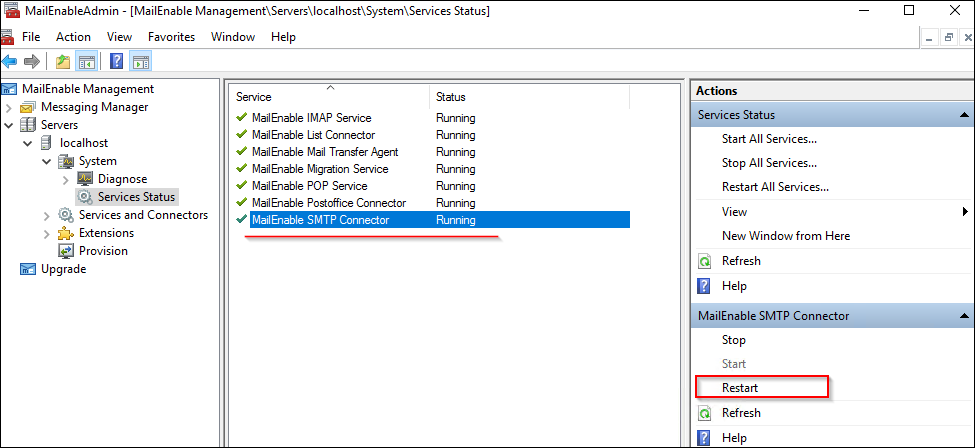
Restart the MailEnable SMTP Connector service in MailEnable Management console at Servers > localhost > System > Services Status: