Question
How to configure a domain to use an external mail server in Plesk?
Answer
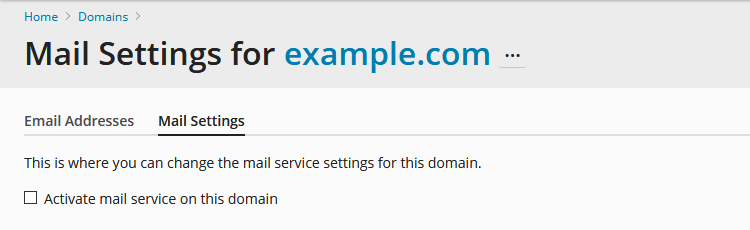
Go to Domains > example.com > Mail Settings and disable the option Activate mail service on this domain. Click OK.
Go to Domains > example.com > DNS Settings and click on a MX record:
Set an external mail server in the Mail exchange server field.
Set it to a high priority.
Note: If the DNS zone of a domain is hosted on an external DNS server, contact administrator of the DNS server and ask them to create MX record and point it to an external mail server.
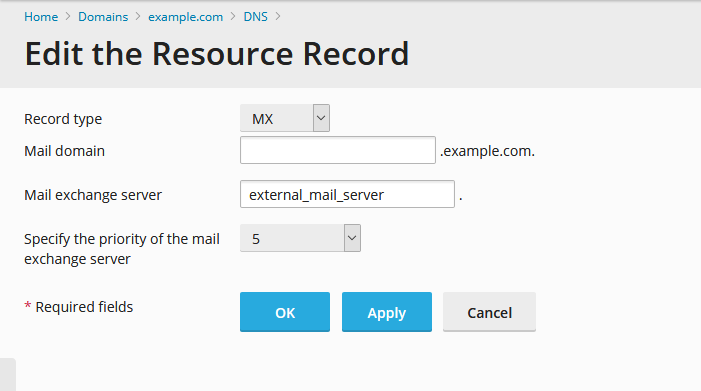
Click OK and then Update.