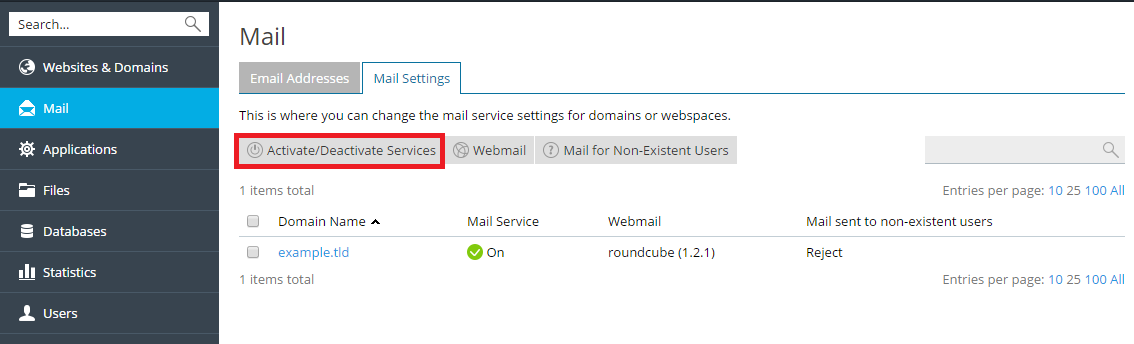
If you need to configure an external mail server to handle mail for your
domain, do the following:
Go to Mail, open the Mail Settings tab.
Click the checkbox next to the domain for which you need to configure
external mail server, click Activate/Deactivate Services.Select Disable from the menu, and click OK.
Go to the Websites & Domains tab, find the domain name whose DNS
settings you want to manage, and click DNS Settings.Click the hyperlink in the Host column corresponding to the MX
resource record.Type the domain name of your external mail server into the Mail
exchange server field. If you are running a remote mail server
named ‘mail.myhostname.com’, type ‘mail.myhostname.com’.Specify the external mail server priority, where 0 is the highest and
50 is the lowest.Click OK, and then click Update.