Question
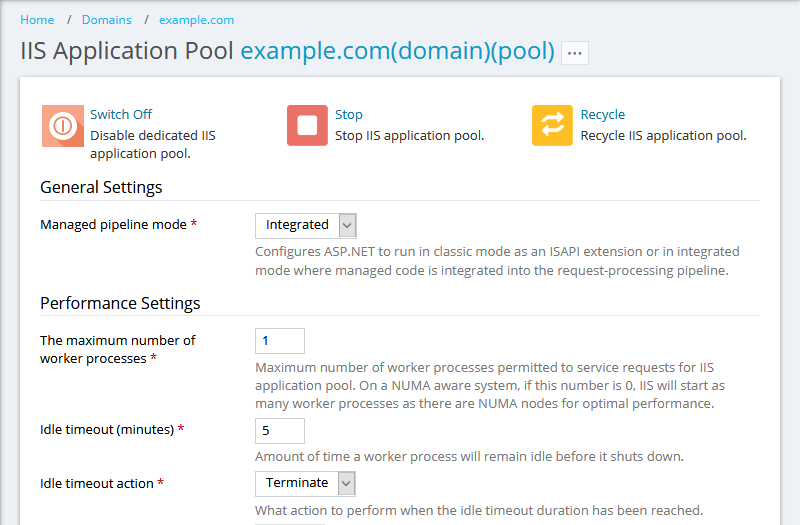
How to grant/deny resellers/customers with a permission to manage IIS application pool settings of their domains via Plesk?
Answer
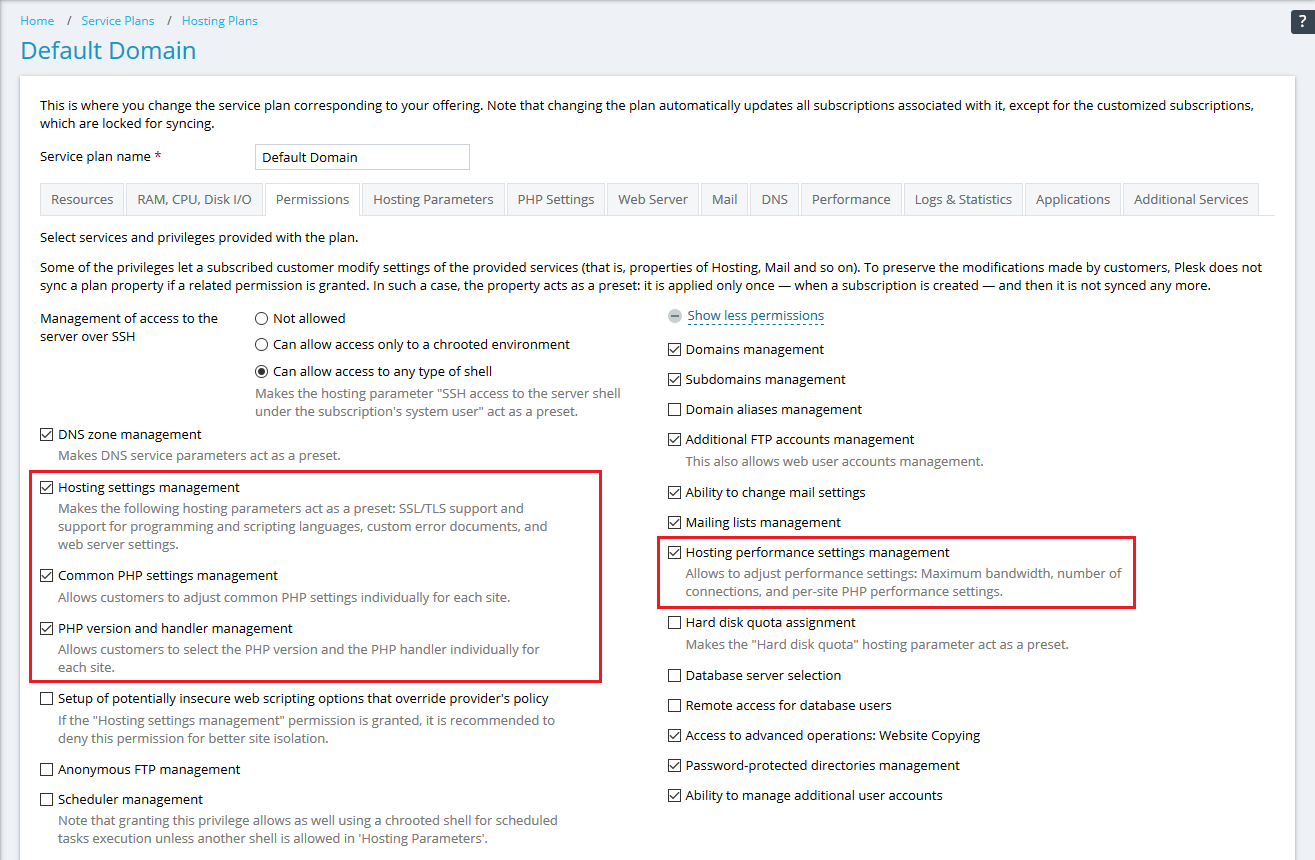
Go to service plan permissions settings to grant/revoke permissions:
for Plesk customers: Service Plans > plan_name > Permissions tab.
for Plesk resellers: Service Plans > Reseller Plans tab > plan_name > Permissions tab.
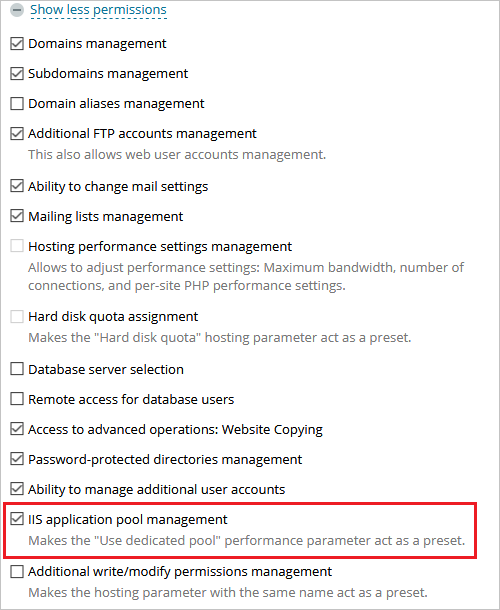
Click Show more available permissions and enable/disable the IIS application pool management permission:
Click Update & Sync.
Note: Locked subscriptions (Marked with a blue lock in the Subscriptions menu) will not be synced.
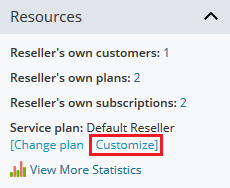
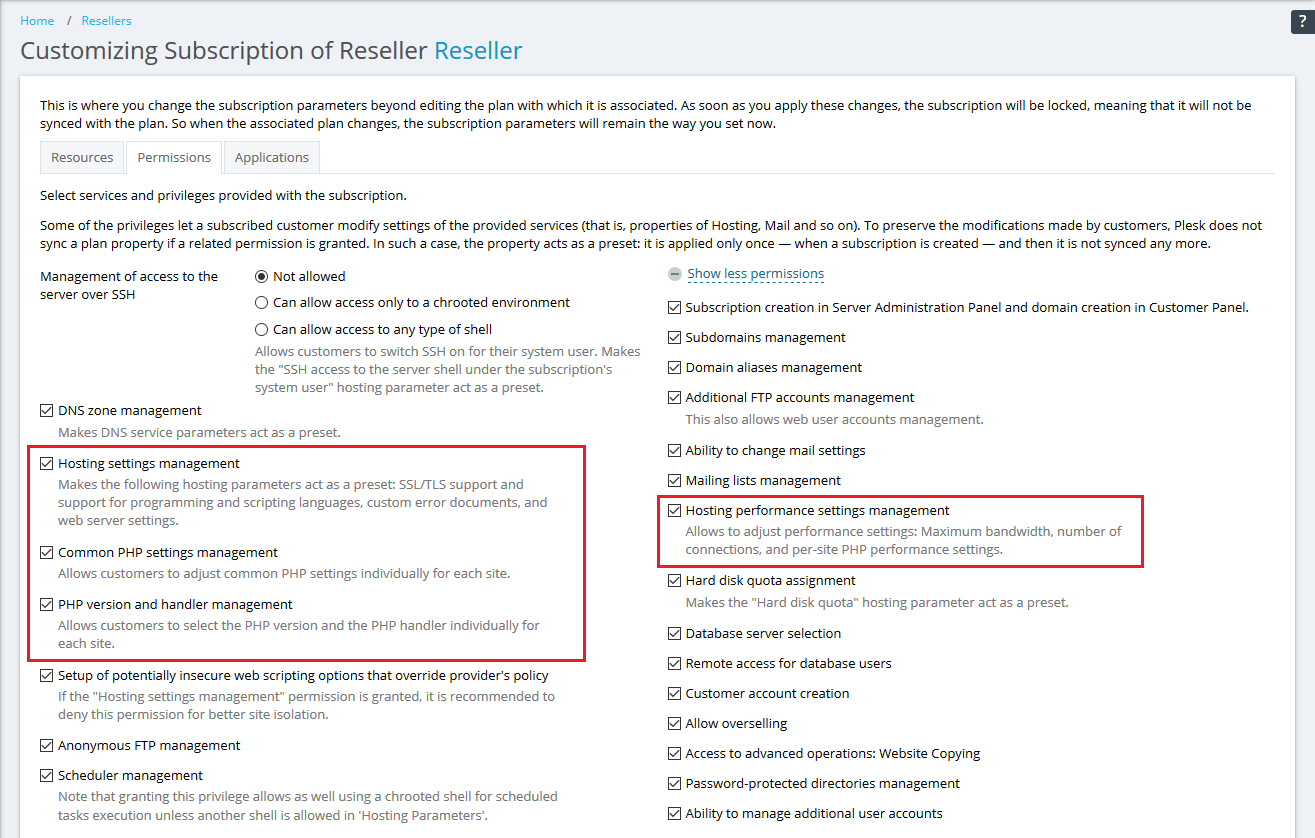
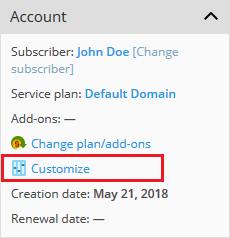
In Plesk, go to Customers > customer_name > Subscriptions tab > subscription_name > Customize (under Account on the right).
Click Show more available permissions and enable/disable the IIS application pool management permission:
Click Update & Lock to apply the changes.
Note: This subscription will no longer be synced with its service plan.