Question
How to create an additional administrator account?
Answer
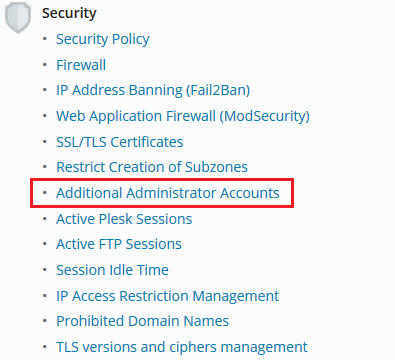
Go to Tools & Settings > Additional Administrator Accounts (under Security).
Click Add Administrator Account.
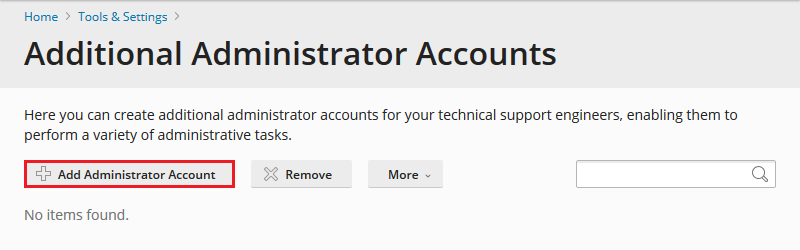
Fill in the fields and click OK.
The additional administrator accounts are denied the following privileges:
Viewing and managing additional administrator accounts belonging to other users
Viewing and managing administrator account settings
Clearing the Action Log
Note: It is not possible to adjust the privileges of additional administrators.
