Question
How to change the default clients' MySQL/MariaDB folder to another one?
Answer
In the Windows Start menu, select Start > Plesk > Plesk Reconfigurator.
Select “Change MySQL Data location”.
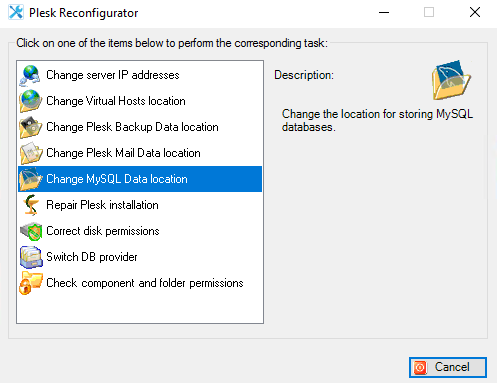
Browse to the new desired location of the My SQL data. A new folder can be created, if necessary. It is recommended to keep the “Check destination disk space” checkbox selected.
When the location is selected, click Next, and then click Next once again.
