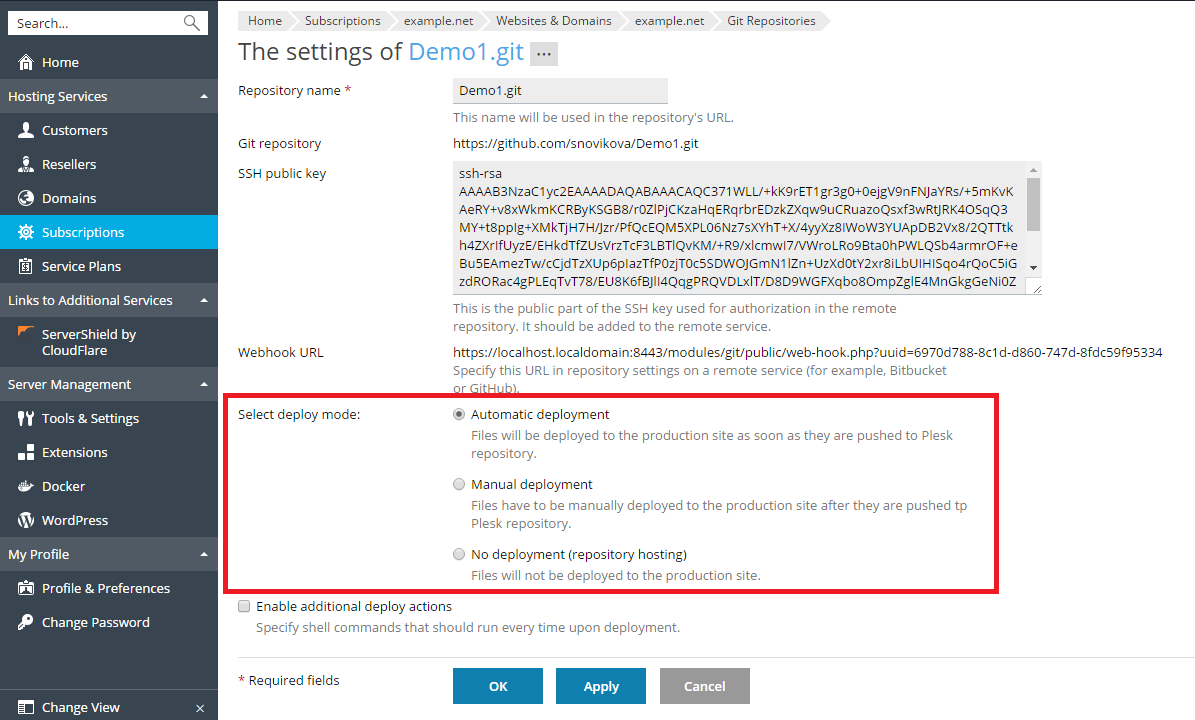
You can select a deploy mode for your repository. Go to Websites &
Domains > Git, click Repository Settings and select one of the
options at Select deploy mode:
-
Automatic deployment. Select this if you want Plesk to
immediately deploy all changes to the production site. -
Manual deployment. In this case, you will have to manually deploy
files by clicking the Deploy from Repository button at Websites
& Domains > Git. You can also manually deploy files by clicking
the Deploy button next to the repository name at Websites &
Domains. -
No deployment (repository hosting). In this case, files will not
be deployed to the production site. You may use this option, for
example, if you want to use a Git repository just to store and
exchange code.