Question
How to analyze websites hosted in Plesk with Google PageSpeed?
Answer
-
Go to Plesk > Extensions and search for "Google PageSpeed Insights".

-
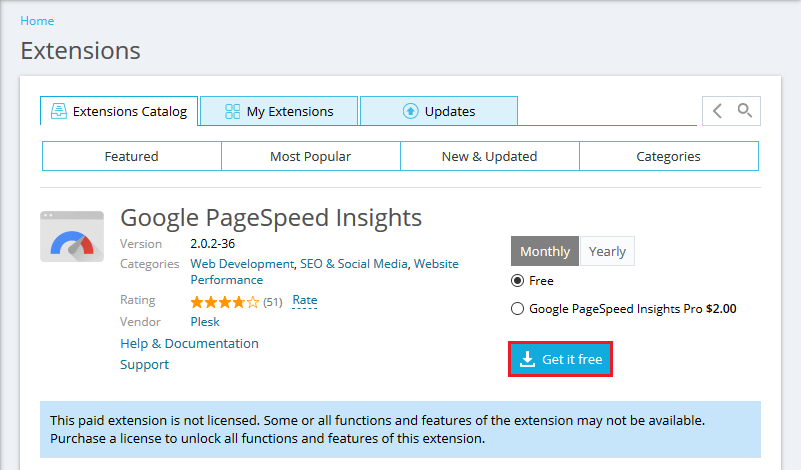
Click Get it free.
-
Once installed, open the extension to start analyzing your websites.
How to analyze websites hosted in Plesk with Google PageSpeed?
Go to Plesk > Extensions and search for "Google PageSpeed Insights".
Click Get it free.
Once installed, open the extension to start analyzing your websites.
