To view the error log for a particular website
-
Go to Websites & Domains > the site’s domain name > click File
Manager.Alternatively, go to Files.
-
Select Logs in the left frame and click error_log in the
list.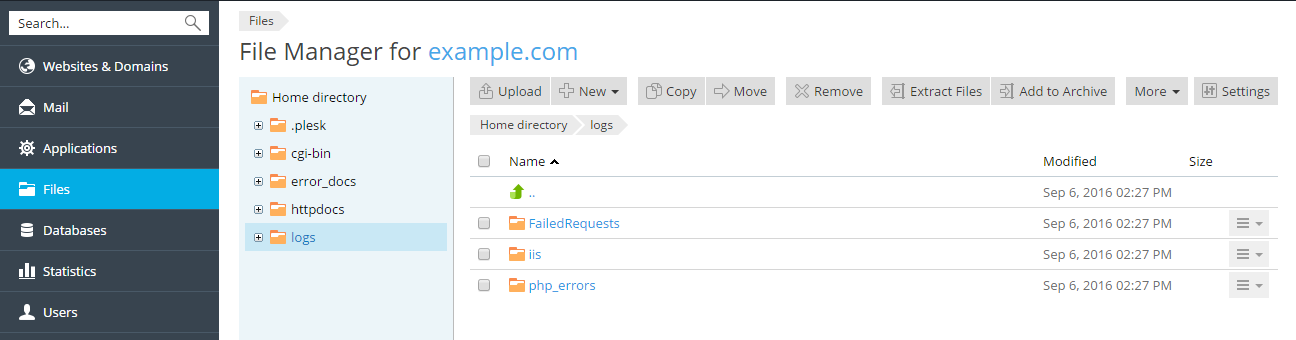
To view the error log for a particular website
Go to Websites & Domains > the site’s domain name > click File
Manager.
Alternatively, go to Files.
Select Logs in the left frame and click error_log in the
list.
