If you do not use billing automation, then to start serving a reseller
in Plesk, you should create a reseller account and subscribe it to a
reseller plan.
To subscribe a new reseller to a reseller plan:
Go to Resellers, and click Add Reseller.
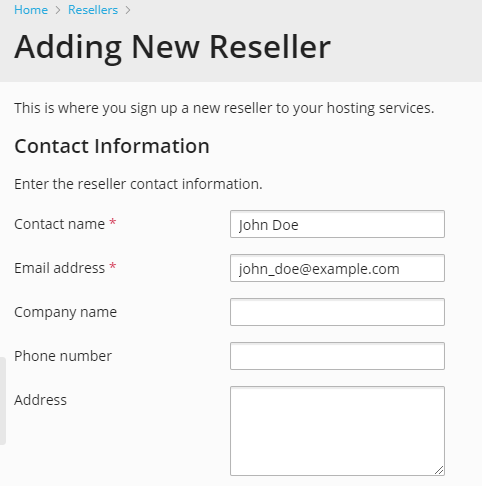
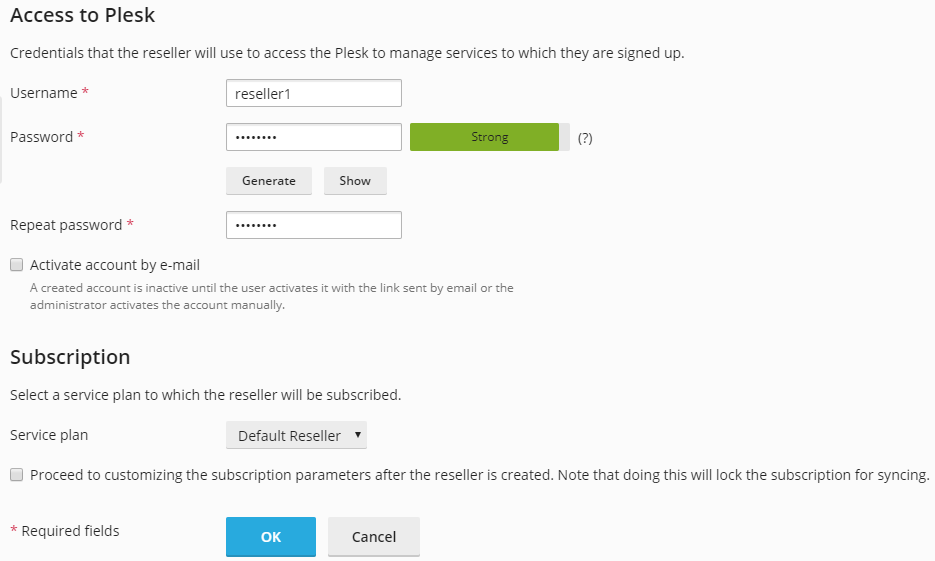
Specify the reseller contact/billing information, user name and
password.You can add some notes, or a description, to a reseller account. This
description will be displayed in the list of resellers. Only you as
an owner of a reseller account will be able to view this description.Select a reseller plan with which the subscription should be
associated.Leave the Proceed to customizing the subscription checkbox
cleared.Click OK.