
ACME SSL
What is ACME
ACME (Automatic Certificate Management Environment) is an open protocol designed to automate the issuance and renewal of SSL/TLS certificates. It allows servers and certificate authorities to communicate directly, reducing manual steps in validating domains and managing certificate lifecycles. The protocol is supported by many public and private Certificate Authorities and is widely used to maintain secure, encrypted connections on the internet.
Who needs ACME
ACME is useful for anyone who wants to automate the process of obtaining and renewing SSL/TLS certificates without manual intervention. It is commonly used by administrators managing multiple domains, wildcard domains, or frequently changing infrastructure. ACME is also valuable for organizations that rely on internal or custom certificate authorities that support the ACME standard.
ACME in Plesk
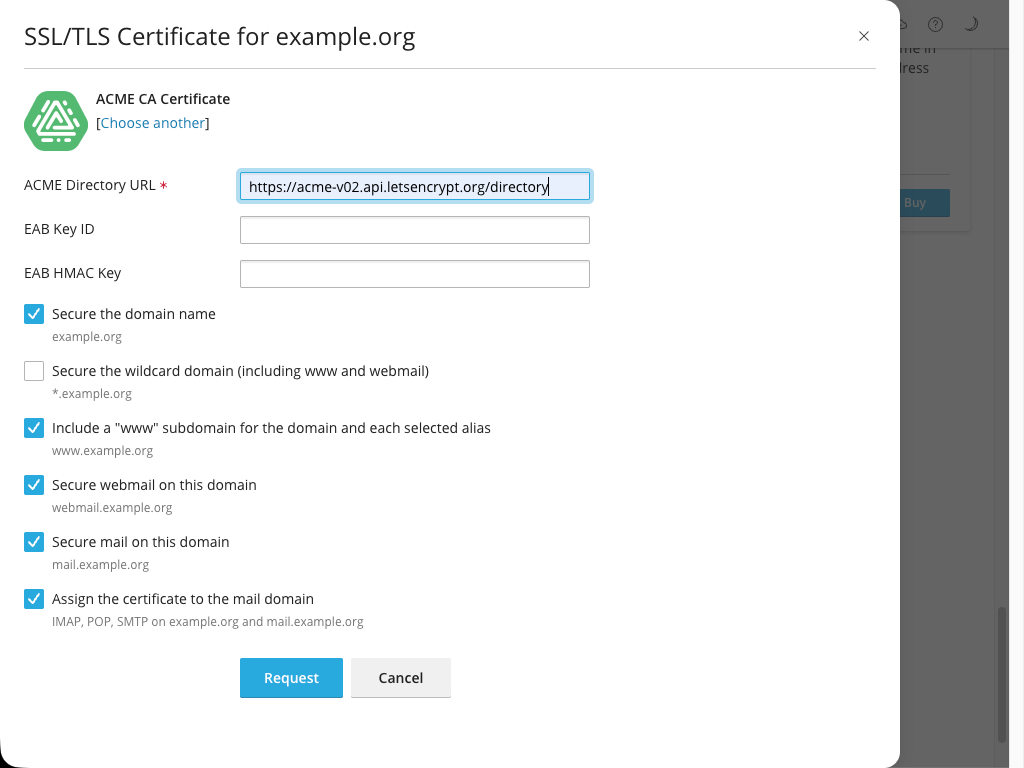
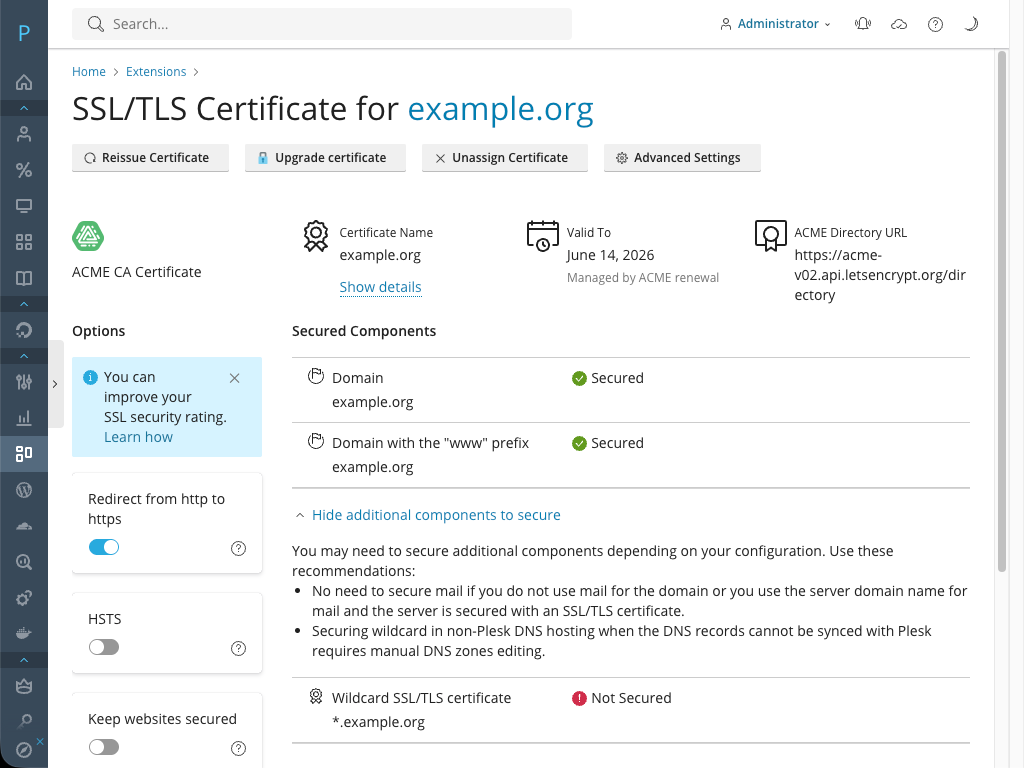
The ACME SSL extension adds native ACME protocol support to Plesk and provides the following capabilities:
-
Works with any ACME-compatible Certificate Authority
You can use public CAs, private CAs, or enterprise PKI systems that implement the ACME standard. -
Supports HTTP‑01 and DNS‑01 challenge types
Domain validation can be performed either via web-root verification or DNS-based authorization. -
Issues non‑wildcard and wildcard certificates
The type of certificate you can obtain depends on the capabilities and policies of the selected CA. -
Automatically attempts certificate renewal before expiration
Renewal is initiated by the extension, but the final success depends entirely on the CA’s validation rules and availability. -
Supports External Account Binding (EAB)
Required by some ACME-compatible Certificate Authorities. Enables secure account association when issuing certificates from CAs that enforce EAB as part of their registration or authorization workflow. -
Integrates with the SSL It! extension
ACME‑issued certificates can be deployed and managed through Plesk’s unified SSL/TLS interface.Note: ACME SSL is not a standalone extension. It works only in tandem with the SSL It! extension (https://www.plesk.com/extensions/sslit/) version 1.21 or later. To issue and manage SSL certificates, you need to install both the ACME SSL and SSL It! extensions.
